Chat, polls, and team communication
Three separate conversations, so game-night chatter does not bury the thing you actually needed everyone to read.
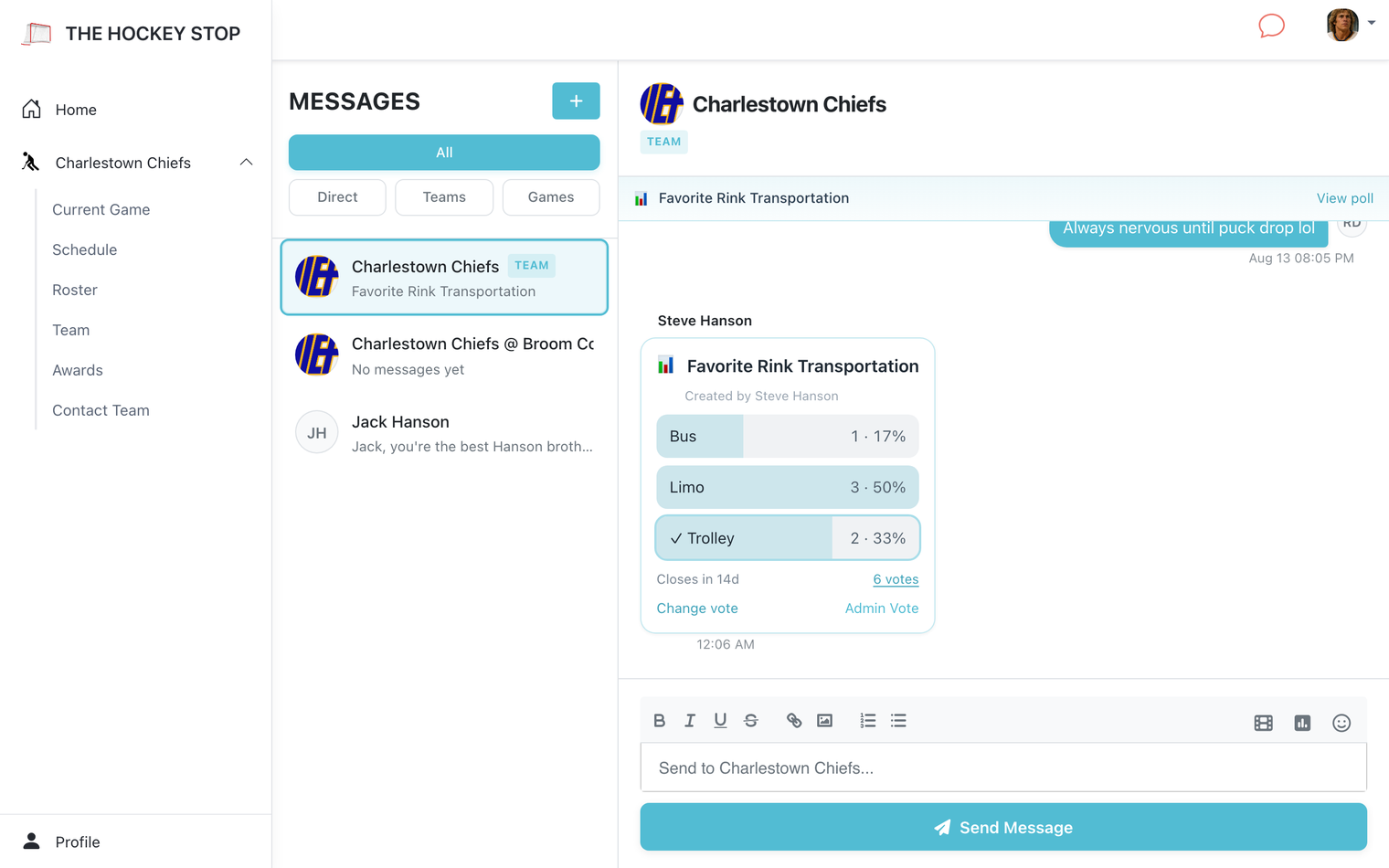
Three places to talk
- Team chat — the whole roster, all season. Announcements, scheduling, general noise.
- Game chat — tied to one game. "Running late", "who has the pucks", "sub needed" — and it does not clutter the season-long thread.
- Direct messages — one-on-one, for the conversations that do not belong in front of twenty people.
The things you expect a chat to do
Photos from the game. GIFs, searchable from the composer. Emoji, reactions, and editing a message when you typo the rink name. Unread badges per conversation so you can see at a glance where the new messages are.
Polls
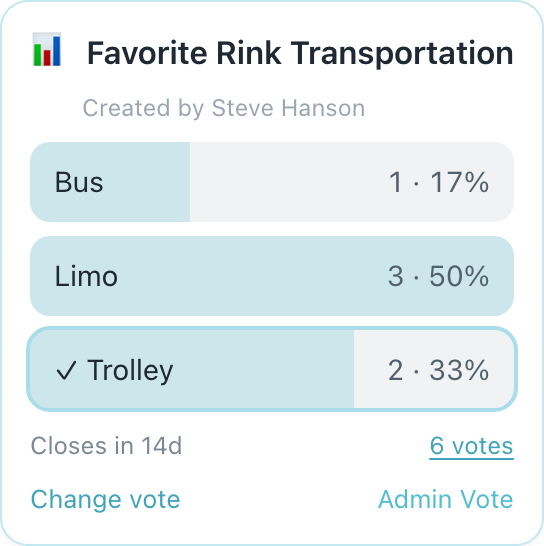
Post a poll into team chat or a game chat and let people tap an answer instead of replying in a thread that scrolls past. Useful for jersey votes, playoff availability, what time everyone wants the ice, and settling arguments that would otherwise run forty messages long.
- Open Messages and pick the conversation.
- Use the poll control in the message composer.
- Add your question and options, then post. Results update as people vote.
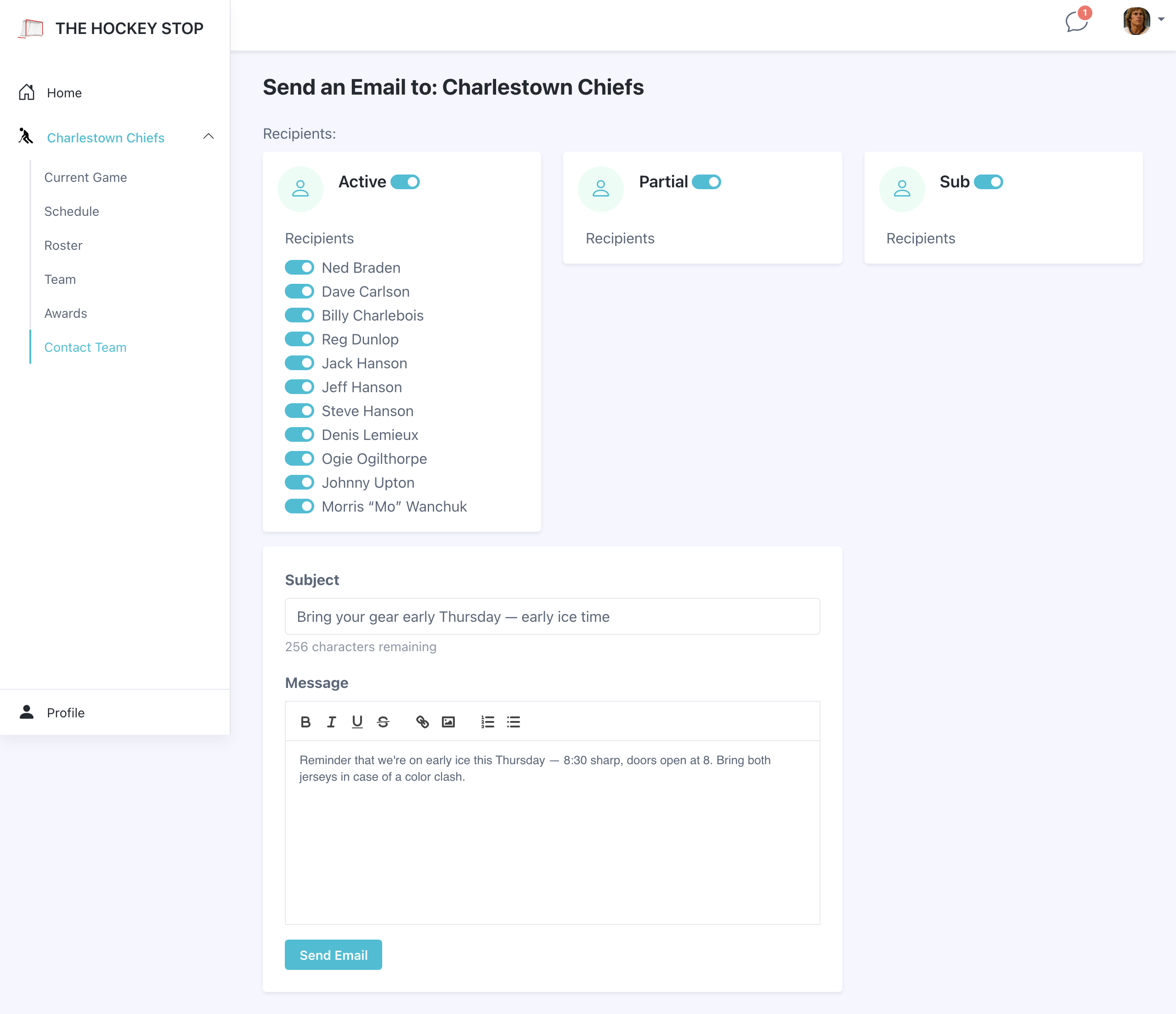
Email the team
Not everyone checks the app chat. Contact Team sends a real email instead — open to any team member, not just admins, for the times something needs to reach people who might miss a chat notification. Pick recipients by status (Active, Partial, Sub) or check off individual players, write a subject and a formatted message, and send.